Alphabetical (A-Z) Minecraft Worlds

22,306 worlds · page 112 of 2,789

Page 112 of 2789

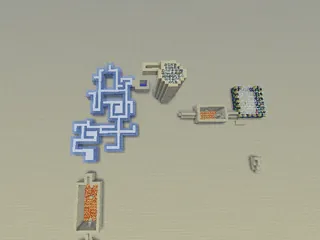
[1.3.2/1.4.2][adv] Curse of the soul sand 16M

0 downloads0 commentsupdated 13 yrs, 11 mths ago
I posted this on planet minecraft a while ago but have only just decided to upload it to minecraft world map but I hope you enjoy all the redstone mechanics and the story line!!

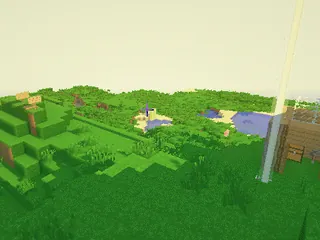
[1.5.2] The Epic World Of Parkour 3.0M

43 downloads0 commentsupdated 13 yrs, 4 mths ago
This Map Was Created In 1.5.2
Rules:
-Play on Gamemode 2 & Peaceful
-NO Block Breaking
-DONT Escape The Map
In New Update Of Map:
-Creative Detection System
-Add Gamerules
-Optimize Command Blocks

-This Map Is Based On Time-Travel & Parkour
Screenshot Uses SEUS v8 Lite
-New Version = v1.1

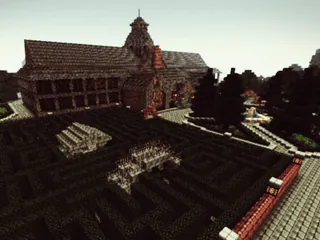
[1.6.2] PvP Arena Plus 580K

30 downloads0 commentsupdated 13 yrs, 3 mths ago
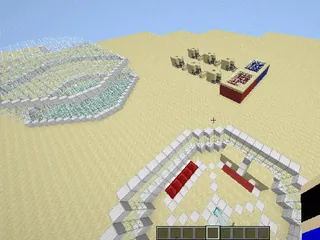
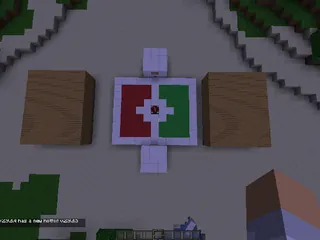
A PvP Fun World Where 4 Users Go On Different Teams To Fight Just For Fun. This Is My First Try With A PvP Map So It Will Hhave Flaws.

[1.6.4] Battle Dome 2.1M

878 downloads0 commentsupdated 13 yrs, 3 wks ago
Hello, Minecraftians today I present you my third map...

Battle Dome!

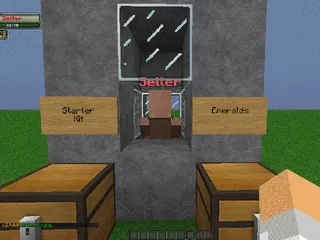
Battle Dome is a map where you find materials and fight against your opponents!

4-20 Players

Goal:

100 Downloads []

500 Downloads []

1000 Downloads []

6000 Downloads []

10000 Downloads []

18000 Downloads []

20000 Downloads []

[1.6.4] PvP Map 157K

59 downloads0 commentsupdated 13 yrs, 3 wks ago
Hello, Minecraftians I Present you my 2nd Map...

PvP Map!

This Map is made for PvP to play with your friends!

2-10 Players

Goals:
100 Downloads []
1000 Downloads []
5000 Downloads []
10000 Downloads []
20000+ Downloads []

How to install:

Windows 7:

1. Download this Map
2. Open up the Folder
3. Go to WIndows on the Bottom-Left Corner
4. Type in >%appdata%< (Don't type in <> things)
5. Go to .minecraft
6. Go to saves
7. Drag the file inside the folder and into Saves!
8. Have fun and enjoy!

Windows 8:

1. Download this Map
2. Open up the Folder
3. Open up another Folder
4. Go to the Top
5. Type in >%appdata%< (Don't type in<> things)
6. Go in .minecraft
7. Go to saves
8. Drag the file inside the folder and into Saves!
9. Have fun and enjoy!

[1.6.4] The Obsidian Walls [Survival Map] 1.6M

44 downloads0 commentsupdated 13 yrs, 3 wks ago
Hello, Minecraftians today I present to you...

The Obsidian Walls Survival!

Full details will be in the world.

Story Line:
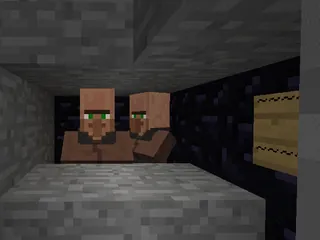
You went to sleep in your house. the next morning you woke up you were trapped in a Obsidian wall... What's your goal? To escape these walls.

Goals:
100 Downloads []
300 Downloads []
1000 Downloads []
3000 Downloads []
5000 Downloads []
10000+ Downloads []

Note:
Please share with others about this Map Posted Image

How to Install the Map:

Windows 7:

1. Download this Map
2. Open up the Folder
3. Go to WIndows on the Bottom-Left Corner
4. Type in >%appdata%< (Don't type in <> things)
5. Go to .minecraft
6. Go to saves
7. Drag the file inside the folder and into Saves!
8. Have fun and enjoy!

Windows 8:

1. Download this Map
2. Open up the Folder
3. Open up another Folder
4. Go to the Top
5. Type in >%appdata%< (Don't type in<> things)
6. Go in .minecraft
7. Go to saves
8. Drag the file inside the folder and into Saves!
9. Have fun and enjoy!

IMPORTANT: It is recommended to play on SINGLE PLAYER! There is only 1 bed and There is no sheep, if you still wish to play on multiplayer, you can cheat and get another bed or just share a bed!